
 By
By You’ve finally decided it’s time to join the e-reader revolution, but you’re torn between the minimalist Kindle and the versatile Fire Tablet. Whether you’re planning to lose yourself in a novel or binge-watch your favorite series, choosing the right device can make all the difference.
| Feature | Kindle | Fire Tablet |
|---|---|---|
| Screen Type | E-Ink | LCD |
| Battery Life | Up to 4 weeks | Up to 12 hours |
| Weight | 174g | 286g (Fire HD 8) |
| App Support | ✗ | ✓ |
| Storage Options | 8GB | 32GB/64GB |
| Price Range | $89.99+ | $89.99+ |
✅ kindle Pros
- Exceptional battery life, perfect for long trips.
- E-Ink display that’s easy on the eyes, even in direct sunlight.
- Lightweight and easy to hold for extended reading sessions.
❌ kindle Cons
- No app support limits functionality to reading.
- Limited storage can be a hassle for large collections of books.
✅ fire tablet Pros
- Supports a wide range of apps for versatile use.
- Decent performance for streaming and casual gaming.
- Expandable storage via microSD card.
❌ fire tablet Cons
- Shorter battery life compared to Kindle.
- LCD screen can cause eye strain over long periods.
Performance and Display
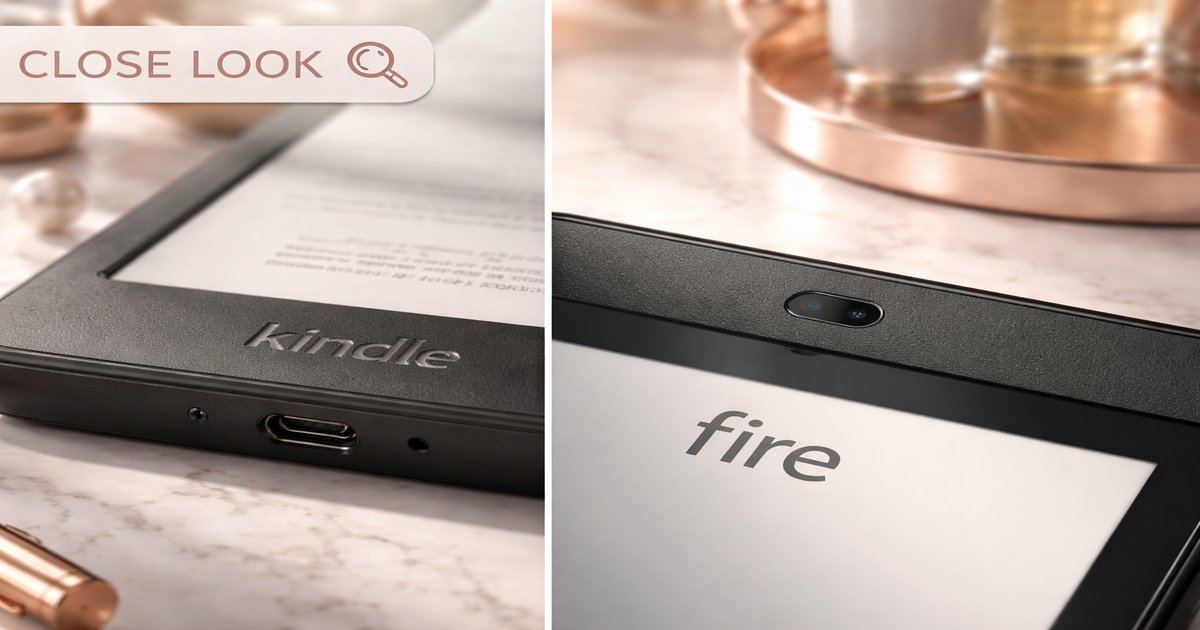
The Kindle’s E-Ink display is a game-changer if all you want to do is read. It’s gentle on the eyes and performs brilliantly in sunlight. You won’t have to worry about glare, and the text remains crisp and clear, mimicking the look of a printed page. On the other hand, the Fire Tablet’s LCD screen is vibrant and colorful, great for watching videos or playing games, but it can lead to eye strain if you’re planning a long reading session. The Fire Tablet’s touchscreen is responsive, but it doesn’t quite replicate the paper-like experience of the Kindle.
Build and Portability
When it comes to build, the Kindle is the clear winner for readers. Its lightweight design means you can hold it comfortably in one hand for hours without fatigue. The Fire Tablet feels more robust and weighty, which is a trade-off for its versatility and larger battery. If you’re traveling or commuting, the Kindle slips easily into small bags without adding much weight. For those who prefer a device that can do more than just display books, the Fire Tablet’s extra heft is worth it for the added functionality.
Value for Money
Both devices start at a competitive price point, but the value you derive depends on how you plan to use them. The Kindle is an outstanding investment if reading is your primary focus. Its battery life and readability in sunlight are unbeatable. Conversely, the Fire Tablet offers more bang for your buck if you need an all-in-one device. It functions as a budget-friendly tablet that can stream, browse, and run apps, making it a better choice if you’re looking for a multi-purpose device on a budget.
Beware of the Kindle’s limited storage if you’re a prolific reader who loves to carry an entire library. The lack of expandability means you might need to manage your library more actively. With the Fire Tablet, don’t expect it to replace a full-fledged tablet in terms of performance; it’s not designed for heavy multitasking.
Our Final Verdict: Which One Should You Buy?
If you’re an avid reader who spends hours devouring books and values an easy-on-the-eyes reading experience, the Kindle is your perfect match. However, if you need a more versatile device that can handle a bit of everything — from reading to browsing to streaming — the Fire Tablet is the way to go. It’s ideal for someone who wants a budget-friendly, all-purpose device.
Can the Kindle display color images?
No, the Kindle uses an E-Ink display which is grayscale, perfect for reading but not for color-rich content.
How does the Fire Tablet handle multitasking?
The Fire Tablet can manage basic multitasking, but don’t expect it to replace a laptop or high-end tablet. It’s best for casual use.
Is the Kindle waterproof?
Some Kindle models, like the Kindle Paperwhite, are waterproof, making them suitable for reading in the bath or poolside.